
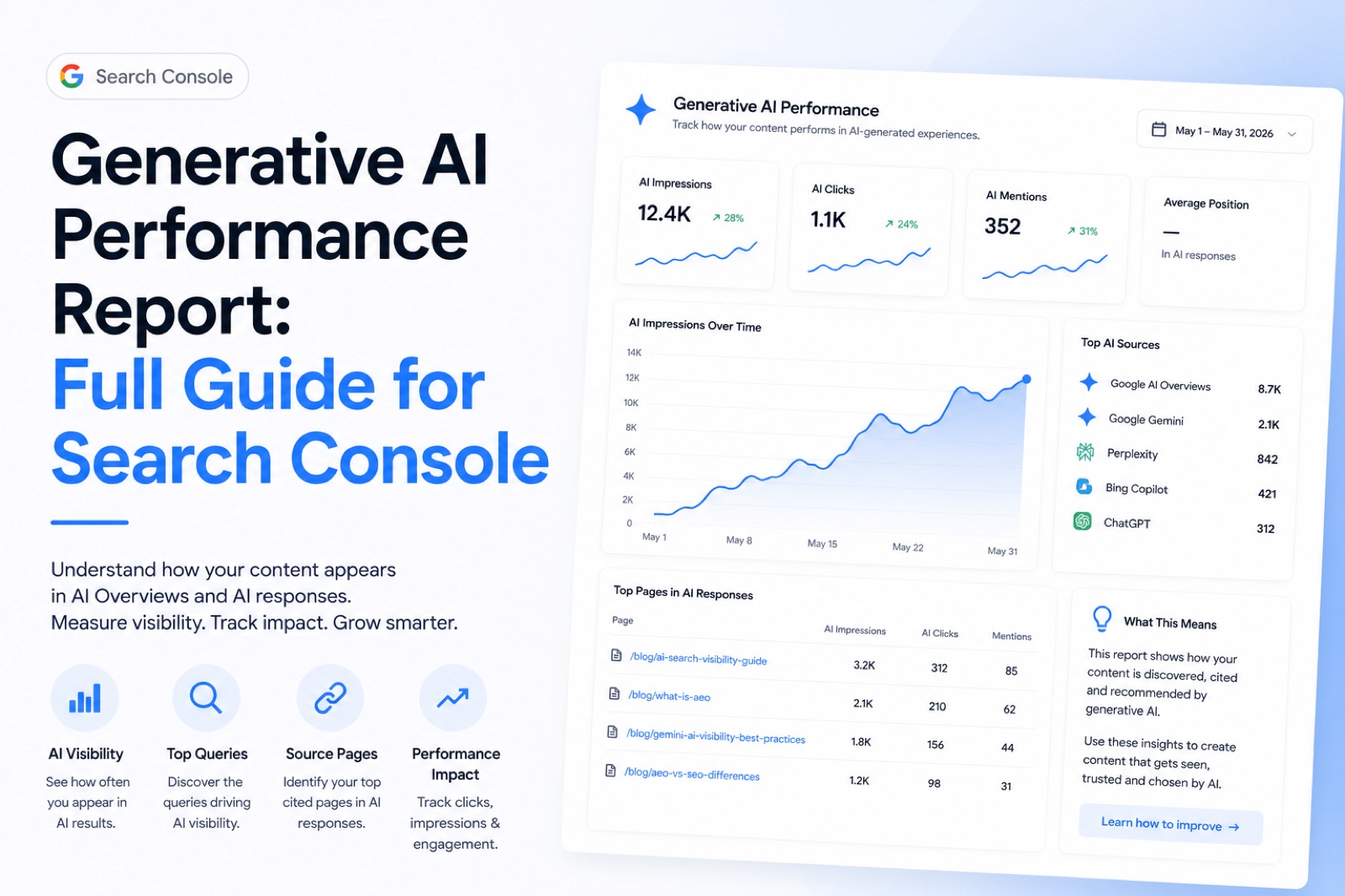
The generative AI performance report is Google’s native way to measure how your site appears in AI Overviews and AI Mode — directly inside Search Console, at no cost. While third-party tools sell estimates of AI visibility, this report gives you actual impression data from Google itself. However, it has real limits worth understanding before you draw conclusions. This guide explains where to find the report, how to read it correctly, what it does not cover, and what else you should track alongside it.
What the Generative AI Performance Report Is and Where to Find It
The generative AI performance report is a dedicated section inside Google Search Console that shows impressions from AI-generated search features, specifically AI Overviews and AI Mode. Google added this report to give site owners a direct signal of how often their content appears inside AI-driven results, rather than relying on third-party estimates.
To find the report, log into Search Console and look for Search results in the left-hand navigation. From there, select the Search type dropdown and choose Generative AI. Alternatively, Google has begun surfacing a standalone Generative AI report link in the left-hand menu for properties where the report is active.
The report shares the same interface as the standard Performance report. You will recognise the familiar date range picker, chart, and dimension tabs. However, the metrics shown are different, which leads to common misreading. Understanding those differences is the most important step before acting on the data. For broader context on what AI search visibility means for your site, it helps to read around this topic first.
Why You May Not See the Generative AI Performance Report Yet
The generative AI performance report is not available to every Search Console user immediately, and there are three common reasons why it may not appear in your property.
First, Google has confirmed a staggered rollout. The report is being made available gradually across properties, so absence does not mean your site lacks AI visibility — it may simply mean your property has not received access yet. Check back regularly.
Second, low impression volume can prevent the report from appearing. If your site has not yet accumulated enough impressions within AI Overviews or AI Mode, Google will not surface the report. This is particularly common for newer sites or those in niche verticals with limited AI Overview coverage so far.
Third — and this one catches many site owners off guard — the Search generative AI control in Search Console can inadvertently exclude your site. This setting allows you to opt out of appearing in AI-generated features. If a previous owner, developer, or agency enabled this opt-out, your site will be excluded from AI results and the report will remain empty. Check Settings > Crawling in Search Console to confirm the control is set correctly. You can find the official guidance on this setting in Google’s Search Console Help documentation.
What the Generative AI Performance Report Actually Includes
The generative AI performance report covers impressions from two AI features: AI Overviews and AI Mode. Both of these are Google Search surfaces, and both are included in the same combined report rather than split into separate views.
A few important distinctions are worth noting:
- Discover has a separate report. Impressions from Google Discover do not appear here. They have their own dedicated Performance report type within Search Console.
- Search Labs experiments are excluded. Early experimental features tested through Search Labs are not included in the generative AI performance report data.
- This is a Google-only report. It covers Google Search surfaces exclusively. ChatGPT, Perplexity, Claude, Gemini app, and any other AI platform are outside its scope entirely.
For a broader look at AI visibility metrics across Gemini and other surfaces, you will need to go beyond this single report. The generative AI performance report is a useful starting point, but it is not a complete picture of how AI systems reference your content.
Google’s own documentation on how content appears in AI features gives further detail on the types of content Google considers for inclusion.
Reading the Generative AI Performance Report Correctly
The generative AI performance report uses the same dimension tabs as the standard Performance report, but the data behaves differently in a few ways that matter when you are interpreting results.
The available dimensions are:
- Pages — which URLs received impressions in AI features
- Countries — where those impressions occurred geographically
- Dates — when impressions were recorded
- Devices — desktop, mobile, or tablet breakdown
One important nuance is the difference between property-level and page-level aggregation. The chart at the top shows total impressions for the property. The table below shows impressions per page or dimension. Due to how Google deduplicates data, the chart total and the table total can differ. This is normal behaviour, not a data error. Google’s official report documentation explains this aggregation difference in more detail.
Additionally, the 1,000 row cap applies here as it does in the standard Performance report. If your site has more than 1,000 URLs with AI impressions, only the top 1,000 will appear in the table. The chart total will still reflect the full property figure, which is another reason the two numbers can diverge.
Understanding Preliminary Data and the Dotted Line
Preliminary data in the generative AI performance report refers to the most recent rows, which Google marks with a dotted line on the chart. This dotted line indicates that data collection for those days is still in progress and the figures shown are incomplete.
Consequently, the most recent days in the report will almost always show lower impression numbers than earlier dates. Furthermore, this is not a sign that your AI visibility has declined. It simply reflects the time Google needs to finalise and process impression data before it becomes confirmed.
A practical approach is to wait at least three to five days before drawing conclusions from any recent date range. Similarly, avoid comparing the last two or three days against earlier periods — the dotted-line data will skew that comparison significantly. Always focus your analysis on the confirmed data range, where the line is solid.
The Honest Limits of the Generative AI Performance Report
The generative AI performance report provides impressions only — there are no clicks, no click-through rate, and no average position data available. This is a meaningful constraint. You can see that your content appeared in AI Overviews or AI Mode, but you cannot see how many users clicked through to your site as a result.
Additionally, the report does not cover the wider AI landscape. Google reports on Google. If you want to understand how often your brand or content appears in ChatGPT, Perplexity, Claude, or the Gemini app, you will need separate tools. For a comparison of options available, this overview of AI visibility tools covers what is currently on the market.
A note on llms.txt files: many site owners have implemented an llms.txt file to signal content preferences to AI systems. Google has explicitly stated that it ignores llms.txt files in its crawling and indexing process. That said, other platforms — such as Perplexity or smaller AI crawlers — may choose to respect the file. Being factual here matters: llms.txt is not useful for Google, but it is not entirely without purpose elsewhere. Google’s guidance on optimising content for AI features does not reference llms.txt at all, which says something.
For the fundamentals of what makes content eligible for AI features in the first place, Google’s own helpful content guidelines remain the most relevant reference.
What to Use Alongside the Report
Pairing the generative AI performance report with other data sources gives you a more complete picture of AI search performance. The report tells you about AI impressions on Google. However, it leaves several gaps worth addressing with additional tracking.
Consider combining it with:
- Standard Search Console Performance data — to compare AI impression trends against your overall organic clicks and impressions over the same period
- Third-party AI visibility tools — to track mentions in ChatGPT, Perplexity, and Gemini app where Google’s report has no reach
- Page-level traffic analysis in GA4 — to infer whether AI impressions from a specific URL correlate with traffic changes, since click data is not available in the report itself
- Content gap analysis — to identify which topics are earning AI impressions and which are not, then plan content accordingly using real search data
Understanding the differences between SEO and AEO also helps when deciding how to prioritise content changes based on what you find in the report.
| Data Point | Available in Generative AI Report | Where to Find It Instead |
|---|---|---|
| AI Overviews impressions | Yes | — |
| AI Mode impressions | Yes | — |
| Clicks from AI features | No | Not available natively; infer from GA4 |
| Average position | No | Standard Search Console Performance |
| ChatGPT / Perplexity mentions | No | Third-party AI visibility tools |
| Discover impressions | No | Discover tab in Search Console |
| Rows beyond 1,000 URLs | No | Export via API for full data |
Frequently Asked Questions
Why can I not see the generative AI performance report?
The generative AI performance report is being rolled out gradually, so not every Search Console property has access yet. You may also not see it if your site has very few AI impressions, or if the Search generative AI control in your Search Console settings has been set to opt out. Check your crawling settings first, then wait for the report to become available as the rollout continues.
Does the report include clicks or only impressions?
The generative AI performance report currently shows impressions only. There is no click, CTR, or average position data available for AI Overviews or AI Mode appearances. To estimate traffic impact, you can cross-reference page-level impression data from the report against your GA4 traffic figures for the same URLs and time period.
Does it cover ChatGPT or Perplexity?
No. The generative AI performance report covers Google Search surfaces only — specifically AI Overviews and AI Mode. It does not include data from ChatGPT, Perplexity, Claude, the Gemini app, or any other AI platform. To track how your brand or content appears in those systems, you will need third-party AI visibility tools that monitor those platforms separately.
What does preliminary data mean in the report?
Preliminary data refers to the most recent days in the report, which Google marks with a dotted line on the chart. These rows are still being collected and processed, so the figures are incomplete. The most recent days will always appear lower than established dates as a result. Avoid drawing conclusions from dotted-line data — wait several days for it to become confirmed before analysing trends.
Does llms.txt affect whether my site appears in the generative AI performance report?
No. Google has explicitly stated that it ignores llms.txt files. The generative AI performance report reflects impressions based on Google’s own crawling and indexing decisions. An llms.txt file will not affect your AI Overviews or AI Mode presence on Google. However, other AI platforms may choose to read and respect the file, so it is not entirely without value outside of Google’s ecosystem.