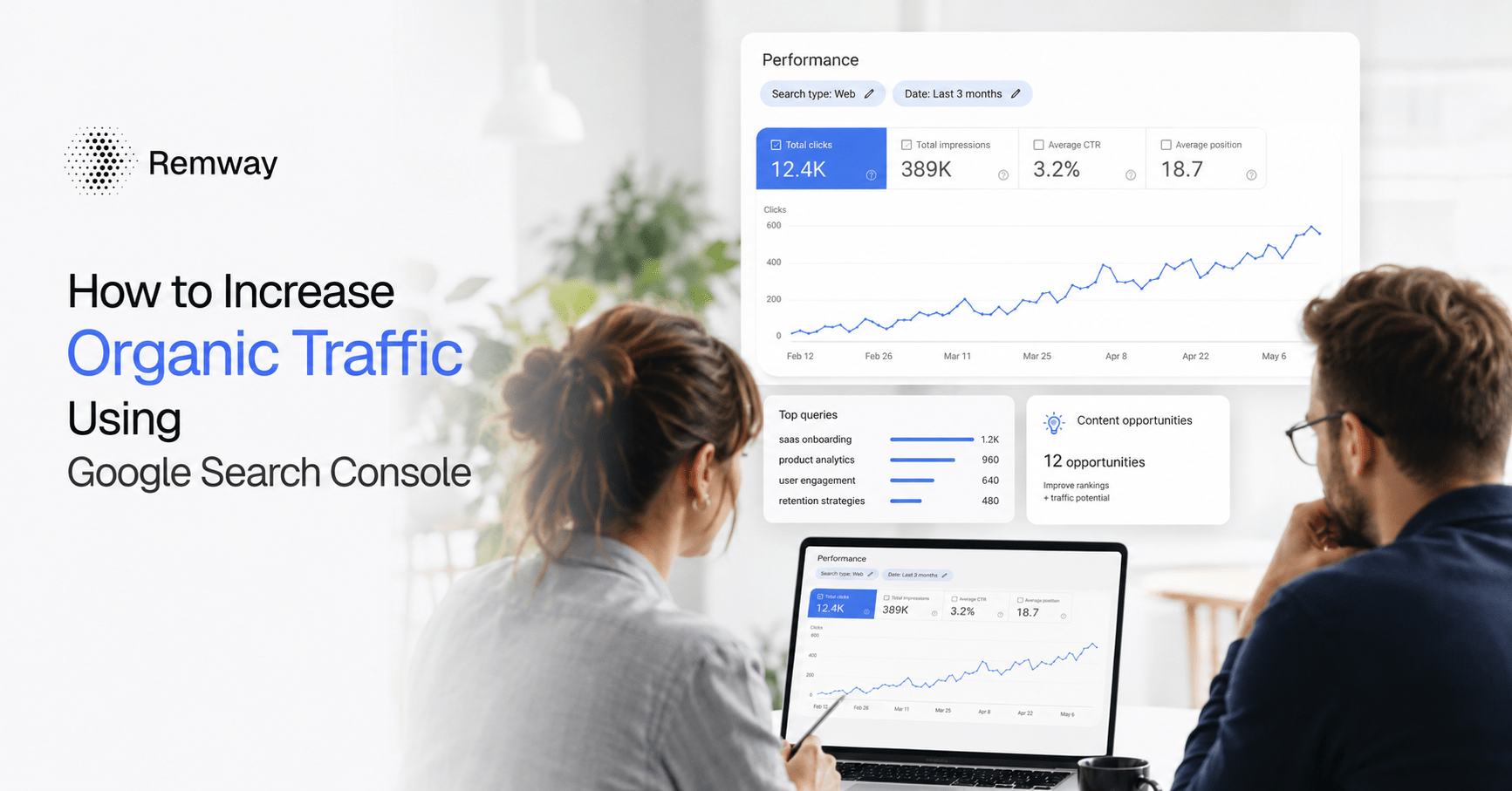
Increase organic traffic using Google Search Console and you already have access to one of the most useful tools available to website owners. Google Search Console shows you exactly how your pages perform in search results. It tells you which queries bring impressions, which pages earn clicks, and where real opportunities are hiding. Instead of guessing what to write or fix next, you can use actual search data to make smarter decisions. This guide walks you through how to do that, step by step.
What Google Search Console Actually Shows You
Google Search Console is a free tool that shows how your website appears in Google search results. It tracks four key metrics for every page and query on your site. Understanding these metrics is the foundation of any data-led SEO strategy.
- Impressions: how many times your page appeared in search results
- Clicks: how many people actually clicked through to your site
- CTR (Click-Through Rate): the percentage of impressions that turned into clicks
- Average Position: your average ranking position for a given query
These four numbers tell a complete story. A page with high impressions but low clicks suggests a title or meta description that is not compelling enough. A page with a strong average position but poor CTR means Google is already showing your content — you just need to make searchers want to click. Furthermore, tracking these metrics over time helps you spot trends, seasonal shifts, and pages that are slowly losing visibility.
Most website owners open Search Console occasionally and then close it without acting on what they see. However, this data is one of the most direct signals you have for growing your organic traffic. The goal is to turn that data into a clear action plan.
How to Increase Organic Traffic Using Google Search Console: Quick Answer
To increase organic traffic using Google Search Console, focus on three areas: improving CTR on pages with high impressions, targeting queries ranked between positions 8 and 20, and updating pages that are losing clicks over time. These actions address the biggest traffic gaps most websites already have. You do not need new content to start seeing results. In many cases, your existing pages are already close to ranking well, they just need targeted improvements.
Additionally, Search Console helps you understand search intent behind specific queries. When you know which real search queries trigger your pages, you can align your content more closely with what users actually want. Consequently, even small changes to a headline, intro paragraph, or meta description can produce meaningful increases in clicks as stated by google themselves:
https://support.google.com/webmasters/thread/196396356/how-to-increase-our-website-s-organic-traffic?hl=en
Finding Queries With High Impressions but Low Clicks
Queries with high impressions and low clicks are some of the most valuable content opportunities in your Search Console data. These are searches where Google already thinks your page is relevant — but searchers are not choosing to click. That gap is something you can fix directly.
To find these queries, open Search Console and go to the Performance report. Sort by impressions, then look for queries where your CTR is below two or three percent. Pay particular attention to queries where your average position is between five and fifteen. These pages are close to the top but not quite compelling enough to earn the click.
What to Do With Low CTR Queries
Once you identify low CTR queries, the fix usually involves improving your title tag and meta description. First, check whether your title matches the search intent of the query. If someone searches for a specific how-to question and your title sounds like a general overview, they will likely skip your result. Second, make sure your meta description answers a clear question or creates a reason to click. Third, consider adding numbers, years, or specifics to your title — these details often improve CTR without changing the page content itself.
For example, if your page ranks for the query “best time to post on Instagram” but your title reads “Social Media Tips for Beginners,” that mismatch is costing you clicks. Similarly, if a competitor’s title is more specific or more helpful-sounding, searchers will choose them over you.
Targeting Keywords Ranked Between Positions 8 and 20
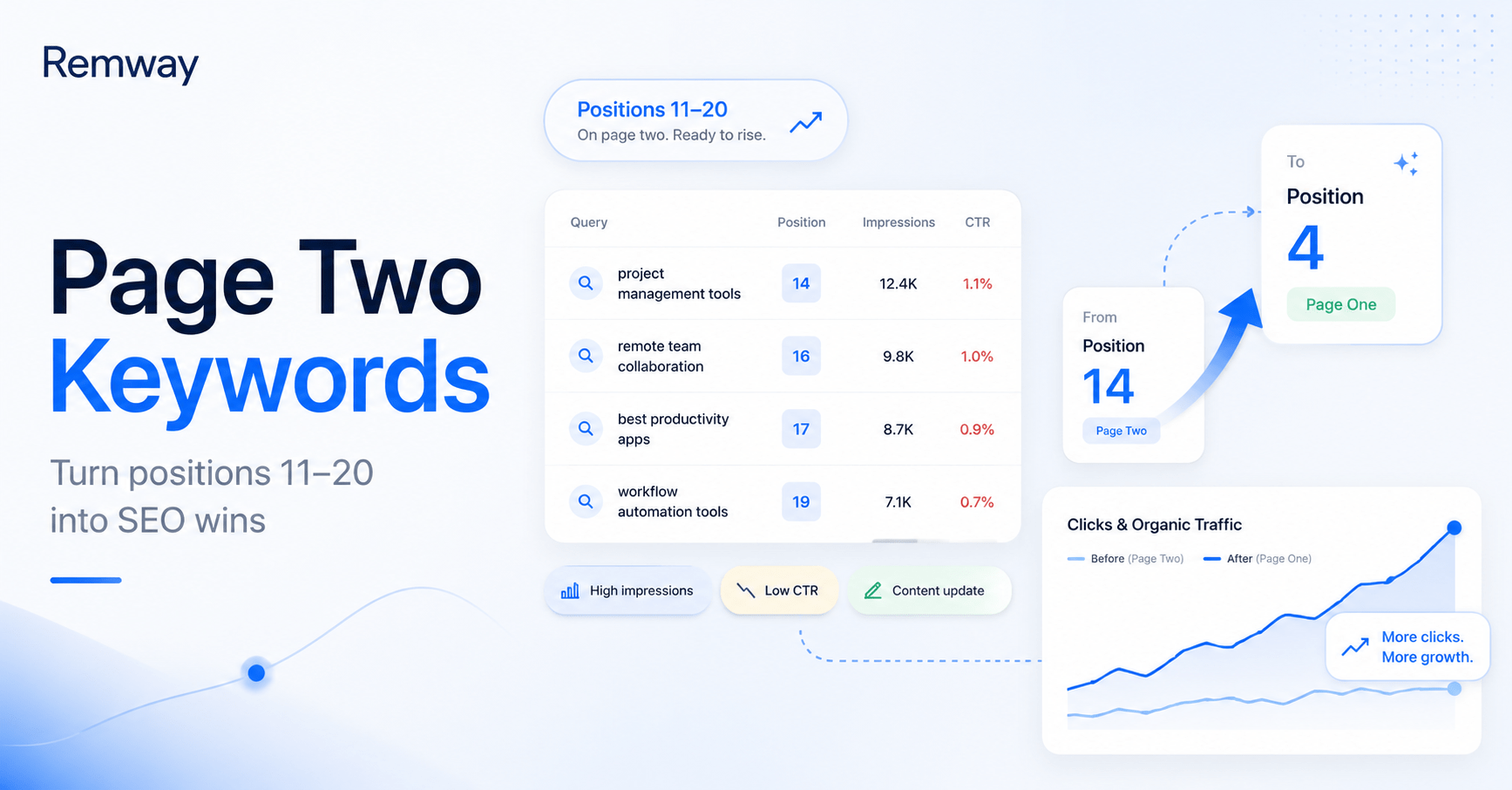
Keywords where your pages rank between positions 8 and 20 represent some of the fastest organic traffic wins available in Search Console. These pages are already indexed and partially trusted by Google. With focused improvements, many of them can move into the top five positions, where the majority of clicks happen.
To find these opportunities, filter your Search Console Performance report by average position. Set the range to show queries between position 8 and 20. Then sort by impressions to find which of these mid-ranking queries has the most search volume. Those are your highest-priority targets.
| Average Position | What It Means | Recommended Action |
|---|---|---|
| 1–5 | Strong ranking, high click share | Protect and monitor for drops |
| 6–10 | On page one, still losing clicks | Improve CTR and content depth |
| 11–20 | Page two, high potential | Update content, add internal links, improve on-page SEO |
| 21–50 | Low visibility | Assess whether the page matches search intent |
| 50+ | Minimal visibility | Consider rewriting or creating a stronger new page |
For pages sitting between positions 11 and 20, the most effective improvements usually include adding more depth to the content, answering related questions within the page, and updating any outdated information. Additionally, making sure the page has a clear structure with useful headings helps both readers and Google understand what the page covers.
When to Update an Existing Page vs Create a New Article
Deciding whether to update an existing page or create a new one is one of the most important content planning decisions you can make. Search Console data makes this decision much clearer. If a page already has impressions and some average position data, it is worth improving rather than replacing or duplicating.
Update an existing page when it ranks between positions 8 and 30, has declining clicks over a three to six month period, or targets a query that has become more competitive. In contrast, create a new article when you find search queries in your data that no existing page currently covers, or when a topic is genuinely different from anything you have published before.
How to Spot Pages That Need Updating
In Search Console, compare your performance over two date ranges. For example, the last three months versus the same period the previous year. Look for pages where impressions have stayed steady or grown but clicks have fallen. That pattern usually means your ranking has dropped slightly, your CTR has declined, or a competitor has published stronger content on the same topic.
Furthermore, check whether the page still fully answers the search queries driving its impressions. If the top queries for a page have shifted, the content may need updating to stay relevant. Search intent changes over time, and pages that do not evolve with it gradually lose visibility.
How to Turn Search Console Data Into Better Content Ideas
Turning Search Console data into content ideas means treating your search queries as a direct signal of what your audience wants to know. Every query in your Performance report represents a real person with a real question. Those questions are your content brief.
Start by exporting your top queries and grouping them by theme. You will often find clusters of related questions that could each support a dedicated article. For example, if your site covers project management software and you notice queries like “how to track tasks in a team,” “project management checklist,” and “how to assign tasks to teammates,” those could each become standalone SEO-ready articles.
Additionally, look at queries that trigger impressions on your homepage or general pages. These often reveal specific topics your audience is searching for that you have not yet covered properly. To go deeper on this process, read how to find content opportunities in Google Search Console — it walks through a more detailed method for extracting article ideas from your real search data.
Tools like Remway are built to help you do exactly this. Remway connects to your Search Console data and surfaces content opportunities based on your actual impressions, clicks, and average position — so you can stop guessing what to write next and start creating articles based on real search queries.
| Search Console Signal | Content Opportunity | Action to Take |
|---|---|---|
| High impressions, low CTR | Strong topic, weak title or meta | Rewrite title tag and meta description |
| Position 8–20 queries | Near-ranking content | Improve depth, add related questions |
| Queries with no matching page | Untapped topics | Create a new SEO-ready article |
| Declining clicks over time | Outdated or weakened content | Update and republish the page |
Frequently Asked Questions
How often should I check Google Search Console for traffic opportunities?
Checking Google Search Console once a week is a practical starting point for most website owners. A weekly review helps you spot declining pages early, notice CTR changes, and stay on top of your average position trends. For smaller sites, a monthly review may be enough. However, if you publish content frequently or run active SEO campaigns, weekly monitoring gives you more useful signals to act on quickly.
What is a good CTR in Google Search Console?
A good CTR in Google Search Console depends heavily on your average ranking position. Pages in position one typically earn a CTR of around ten to thirty percent. Pages in positions five to ten usually sit between two and ten percent. If your CTR is significantly below the typical range for your position, your title tag or meta description likely needs improvement. Focus on making your result more specific and more clearly useful to the searcher.
Can I increase organic traffic using Google Search Console without creating new content?
Yes. You can increase organic traffic using Google Search Console without writing a single new article. Many sites have existing pages that already rank between positions 8 and 20 or have strong impressions with low CTR. Improving title tags, updating outdated sections, and adding more relevant content to existing pages can move those rankings up significantly. New content is valuable, but optimising what you already have is often the faster route to more clicks.
What does average position mean in Google Search Console?
Average position in Google Search Console shows where your page typically appears in search results for a given query. A position of one means your page usually appears at the top of the results. A position of fifteen means your page typically appears on the second page. Average position is an average across all searches, so it can fluctuate. Use it alongside impressions and CTR to understand which pages have ranking potential but are not yet earning traffic.
How do I find low-hanging SEO opportunities in Search Console?
Low-hanging SEO opportunities in Search Console are usually queries where your page already has a reasonable average position — typically between 8 and 20 — but is not yet earning many clicks. Filter your Performance report by average position, then sort by impressions to find the highest-volume opportunities in that range. Additionally, look for queries with high impressions but low CTR regardless of position. These two filters together will surface the most actionable content opportunities on your site.