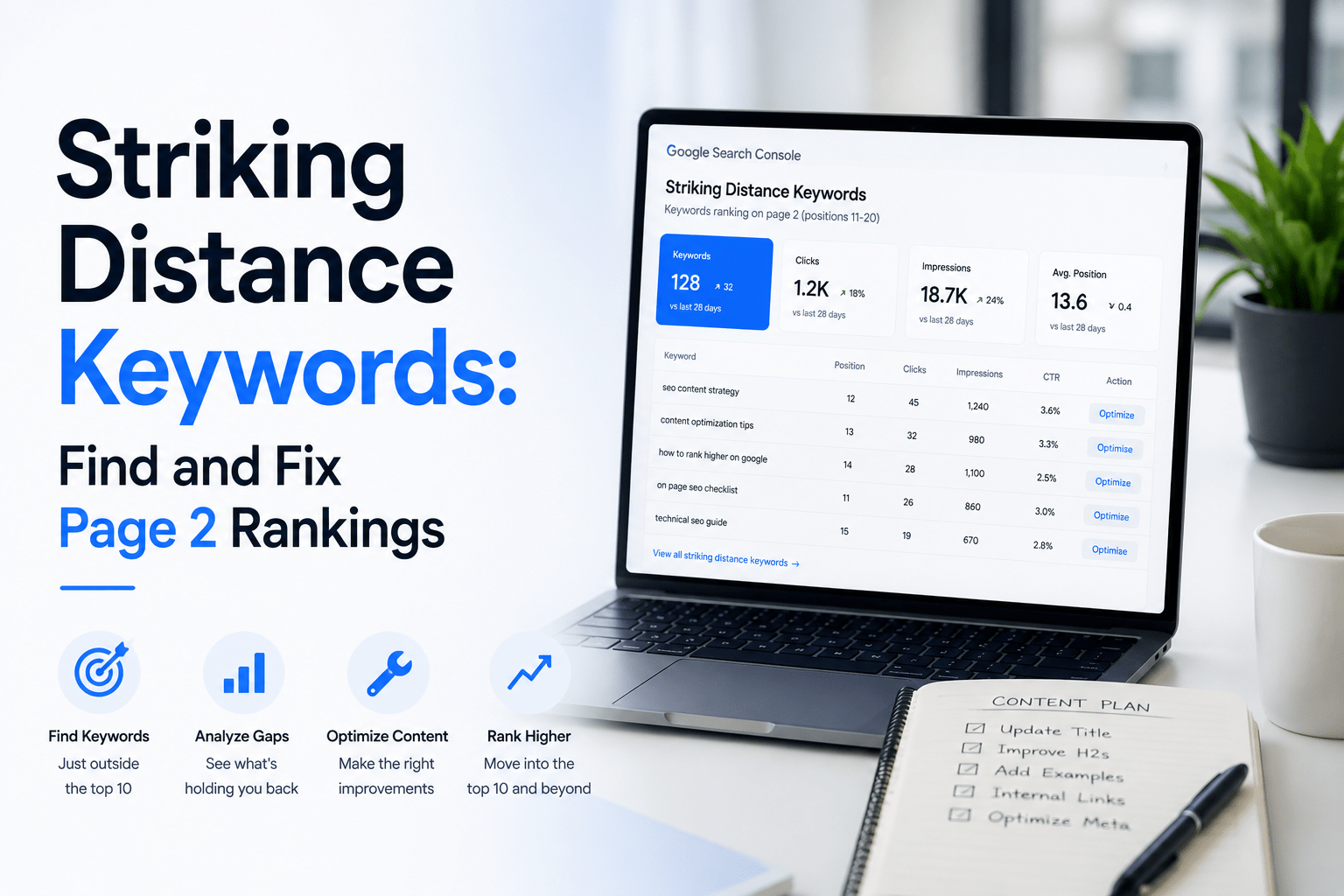
Striking distance keywords are search queries where your pages already rank between positions 11 and 20 on Google — close to page 1, but not quite there. Most marketers and founders focus on brand-new content, but these existing pages often represent the fastest SEO wins available. The fix is usually smaller than you expect. A title rewrite, a few internal links, and a targeted content expansion can move a page from position 14 to position 5 without starting from scratch.
Why Striking Distance Keywords Are Your Highest-Leverage SEO Opportunity
Striking distance keywords deserve priority attention because the click-through rate difference between page 2 and page 1 is dramatic. A page sitting at position 12 earns very few clicks. Move that same page to position 6, and clicks typically multiply by five to eight times. That is not an incremental improvement — it is a meaningful traffic increase from a page that is already indexed and already ranking.
In contrast, moving a page from position 60 to position 40 changes almost nothing in practical terms. Neither position attracts meaningful organic traffic. Therefore, the 11–20 band is where your effort returns the most value. According to Google’s SEO Starter Guide, relevance signals play a central role in how pages are ranked — and small relevance adjustments can produce significant position changes.
Additionally, pages in this range have already passed Google’s basic quality filters. They have been indexed, they have earned impressions, and Google considers them relevant enough to show — just not relevant enough to prioritise. That means the signal gap between your page and the pages above it is often narrow. Fixing it requires precision, not volume.
How to Find Striking Distance Keywords in Search Console
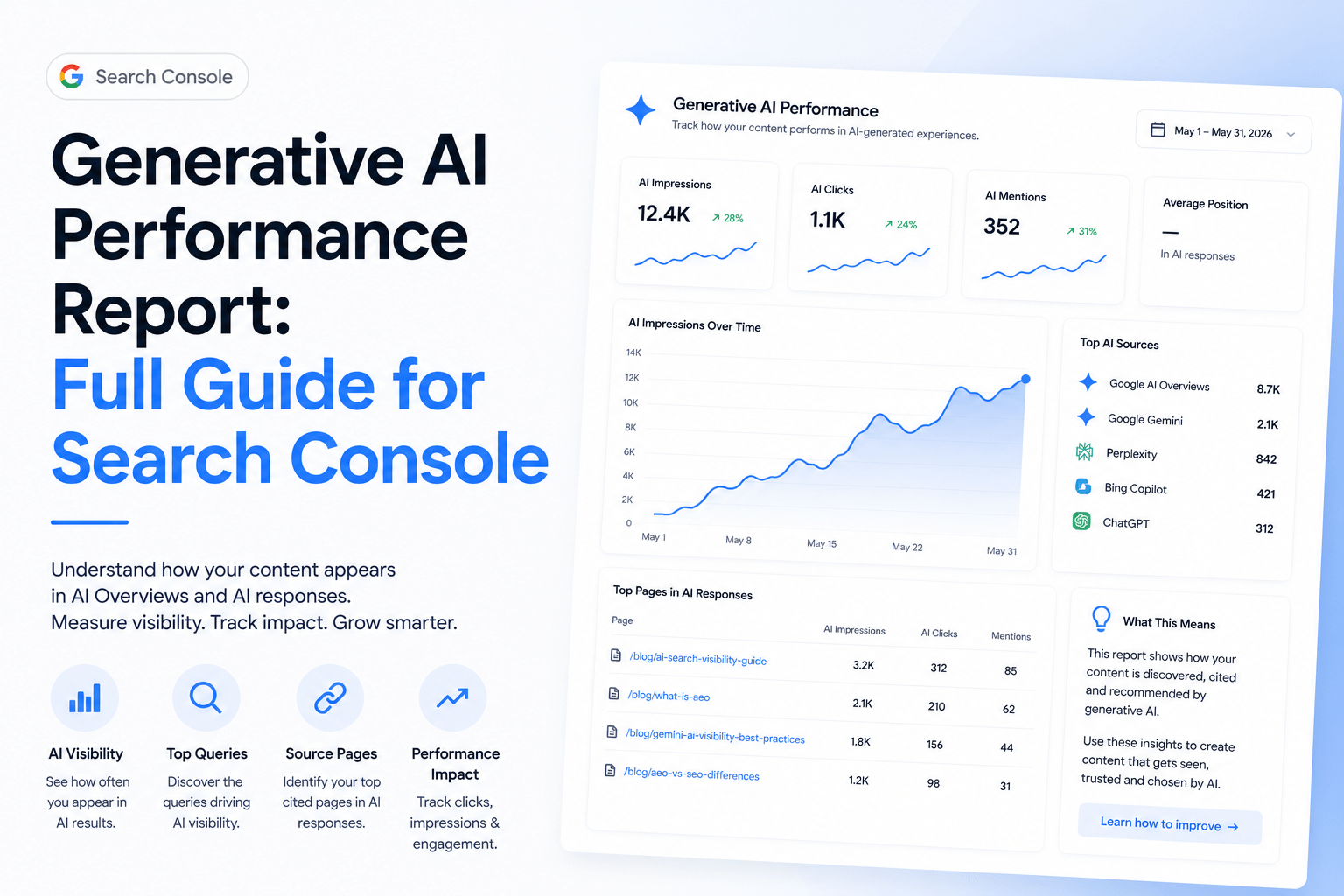
Google Search Console’s Performance report is the right tool for identifying striking distance keywords quickly. Open Search Console, select your property, and navigate to the Performance section. Make sure both Impressions and Average Position columns are visible — click the tick boxes at the top of the report if they are not already active.
Next, filter by position. Click the filter icon and add a custom filter: Average Position greater than 10 and Average Position less than 21. This isolates the 11–20 band. Then sort by Impressions in descending order. The queries at the top of this filtered list are your highest-priority striking distance keywords — they have search volume, they are almost on page 1, and Google already associates your content with them.
For each query, click through to see which page is ranking for it. Sometimes one page ranks for several related striking-distance queries, which makes it an especially strong candidate for improvement. You can also cross-reference this with your Search Console content opportunities workflow to spot patterns across your whole site. Furthermore, pay attention to CTR. A low CTR at position 12 often signals a title or meta description that does not match search intent — which is diagnosable and fixable.
Diagnosing Why a Page Is Stuck at Positions 11–20
A page stuck in striking distance territory is usually suffering from one or more of four specific problems. Understanding which problem applies to your page determines the right fix. Avoid guessing — use the actual query data from Search Console to guide your diagnosis.
- Title and meta mismatch: The page title does not closely match the exact wording of the ranking query. Google rewards specificity.
- Thin or unfocused content: The page covers the topic broadly but does not answer the specific query as directly as competing pages do.
- Missing internal links: The page has no links pointing to it from higher-authority pages on your own site, so PageRank is not flowing toward it.
- Wrong search intent: The page format does not match what searchers expect. For example, a listicle ranking for a query that expects a step-by-step guide.
Compare your page against the top three results for the same query. Look at their titles, their headings, and the depth of their answers to the specific question. This comparison usually reveals the gap clearly. As Moz’s on-page SEO guide explains, on-page relevance signals — including title tags, headings, and content depth — are among the most actionable ranking factors available.
The Fix Checklist for Striking Distance Keywords
Fixing a striking distance keyword page follows a consistent four-step process. Work through each step in order, and avoid rewriting the entire page unless the intent diagnosis clearly demands it. Most pages need targeted adjustments, not a full rebuild.
Step 1: Rewrite the Title Tag
Match the title more closely to the exact query. If your page ranks for “SEO content planning tool” but your title says “How We Help You Plan Content,” the mismatch is costing you. Put the query phrase at or near the start of the title. Keep it under 60 characters.
Step 2: Rewrite the Meta Description as a Pitch
The meta description does not directly influence rankings, but it influences CTR — and CTR influences rankings indirectly. Write it as a specific, useful pitch for the page. Tell the searcher exactly what they will get. Avoid vague summaries.
Step 3: Add Internal Links from Stronger Pages
Find two or three pages on your site with higher authority — older, more-linked, or more-trafficked pages — and add a contextual link from each one pointing to your striking-distance page. Use anchor text that includes the target query. This passes PageRank and reinforces the topic association. You can identify which pages hold the most authority using your search data.
Step 4: Expand the Most Relevant Section
Find the section of your page that most directly answers the target query. Add depth to that section specifically. This might mean adding a worked example, a short table, or a more complete explanation. Do not pad the whole article — focus the expansion where it counts most.
A Worked Example from Remway.app
Applying this striking distance keywords process to Remway.app produced a clear result for one specific article. The article on content decay was sitting at approximately position 14 for the query “content decay SEO fix.” Impressions were reasonable, but clicks were low — consistent with a page just off page 1.
The diagnosis showed two problems. First, the title was descriptive but not query-matched. Second, the page had no internal links pointing to it from other Remway articles. The fixes applied were: the title was rewritten to lead with “Content Decay:” and match the query more closely, and three internal links were added from related articles using relevant anchor text.
The after position will be updated once enough data has accumulated in Search Console — typically four to six weeks after changes are published. That time frame reflects how long Google takes to recrawl, re-evaluate, and stabilise rankings following on-page edits. Meanwhile, the CTR improvement was visible within two weeks, which is often the first signal that the changes are working.
| Problem Type | Symptom in Search Console | Fix |
|---|---|---|
| Title mismatch | Low CTR relative to position | Rewrite title to match the exact query |
| Thin content | High impressions, position 14–18 | Expand the most query-relevant section |
| Missing internal links | Page has no referring internal links | Add 2–3 contextual links from stronger pages |
| Wrong intent | Position plateaued, not improving | Match format to what top-ranking pages use |
How Often to Review Striking Distance Keywords
Striking distance keywords require a regular monthly review cadence, not a one-off audit. Positions shift constantly. A page that ranks at position 9 today may drop to position 14 next month as competitors publish new content. Conversely, a page you improved last month may now be ready for another small push.
Set a recurring monthly task to open Search Console, apply the position 11–20 filter, and review the top ten results by impressions. Pick one or two pages to improve each month. This steady rhythm compounds over time. According to Google Search Console’s own documentation, performance data is updated daily, which makes monthly reviews both practical and data-rich.
Prioritising striking distance keywords as part of your content planning is more efficient than chasing new keywords with no existing traction. New articles take months to rank. Existing striking-distance pages can move to page 1 within four to eight weeks of targeted improvements. For a practical framework on how to prioritise SEO content ideas across your whole site, this approach fits naturally alongside other data-led planning methods.
Frequently Asked Questions
What is a striking distance keyword?
A striking distance keyword is a search query for which your page already ranks between positions 11 and 20 in Google — meaning it sits just off page 1. These pages are already indexed and considered relevant by Google, which makes them strong candidates for targeted on-page improvements that can push them onto page 1 without creating new content from scratch.
How long does it take to move a page from position 12 to page 1?
Most pages respond to targeted on-page changes within four to eight weeks. Google needs time to recrawl the updated page, re-evaluate its relevance signals, and stabilise the new position. CTR improvements from a better title or meta description can appear sooner — sometimes within two weeks — because they do not require a full re-ranking event to take effect.
Do I need new content or just on-page changes?
For striking distance keywords, you usually need on-page changes rather than entirely new content. The most common fixes are a more query-specific title, a better meta description, two or three new internal links, and an expanded answer to the specific query within the existing page. A full rewrite is only necessary if the search intent is fundamentally mismatched.
How often should I check for striking distance opportunities?
A monthly review is the right cadence for most sites. Open Google Search Console, filter the Performance report to positions 11–20, and sort by impressions. Pick the top one or two opportunities and apply the fix checklist. This monthly rhythm is more sustainable than one-off audits and ensures you catch new opportunities as your content library grows and positions shift.
Can I use Remway to find striking distance keywords?
Yes. Remway connects to your Google Search Console data and surfaces content opportunities based on real impressions, clicks, and average position. Striking distance keywords — those sitting in the 11–20 position band with meaningful impressions — appear clearly within the platform’s content opportunity workflow, making it straightforward to identify and prioritise which pages to improve each month.